
Truly Simple Envelopes
Manual Budget & Cash Stuffing


Screenshots
About the App
Managing money is stressful, and modern budgeting apps usually make it worse. They connect to your bank, download hundreds of transactions you don't recognize, bombard you with confusing pie charts, and charge you a hefty monthly subscription for the privilege.
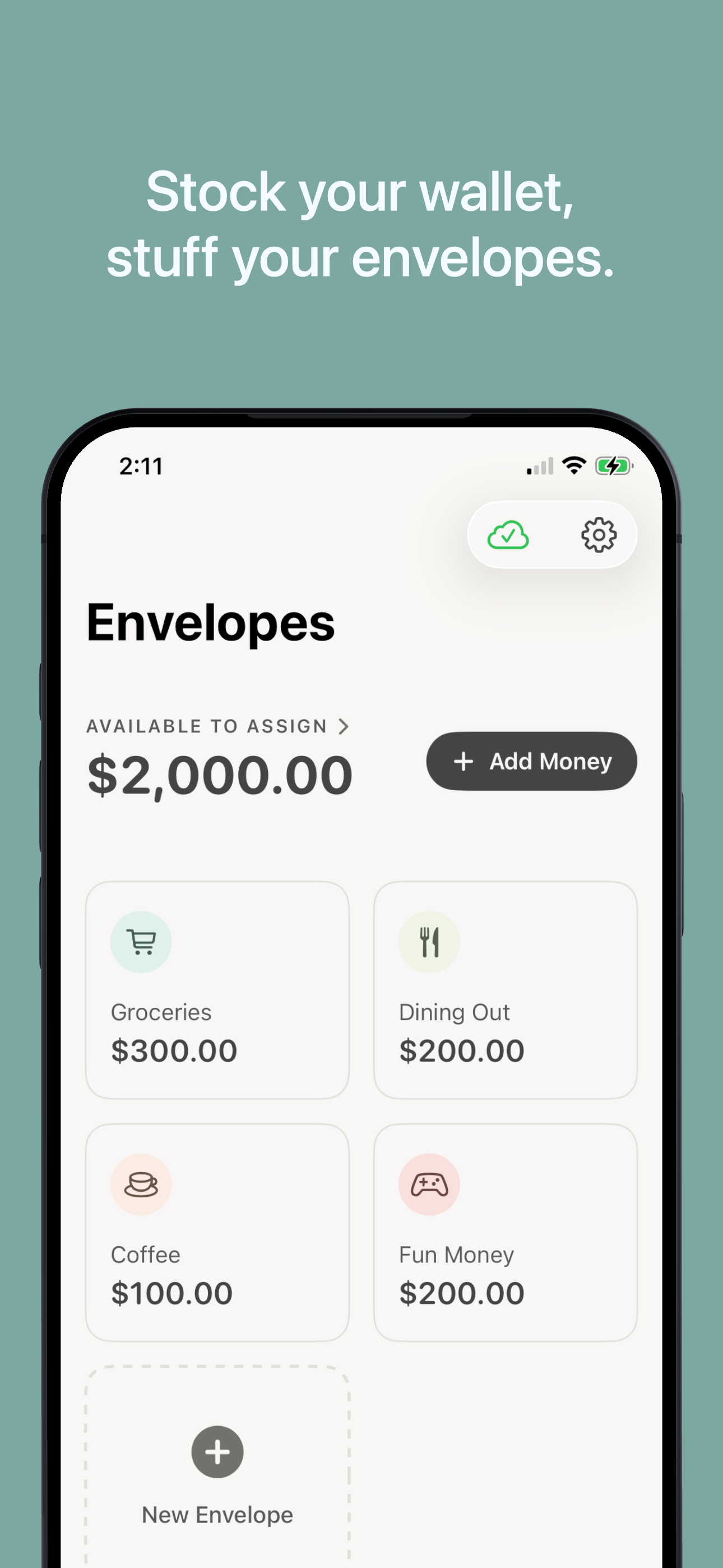
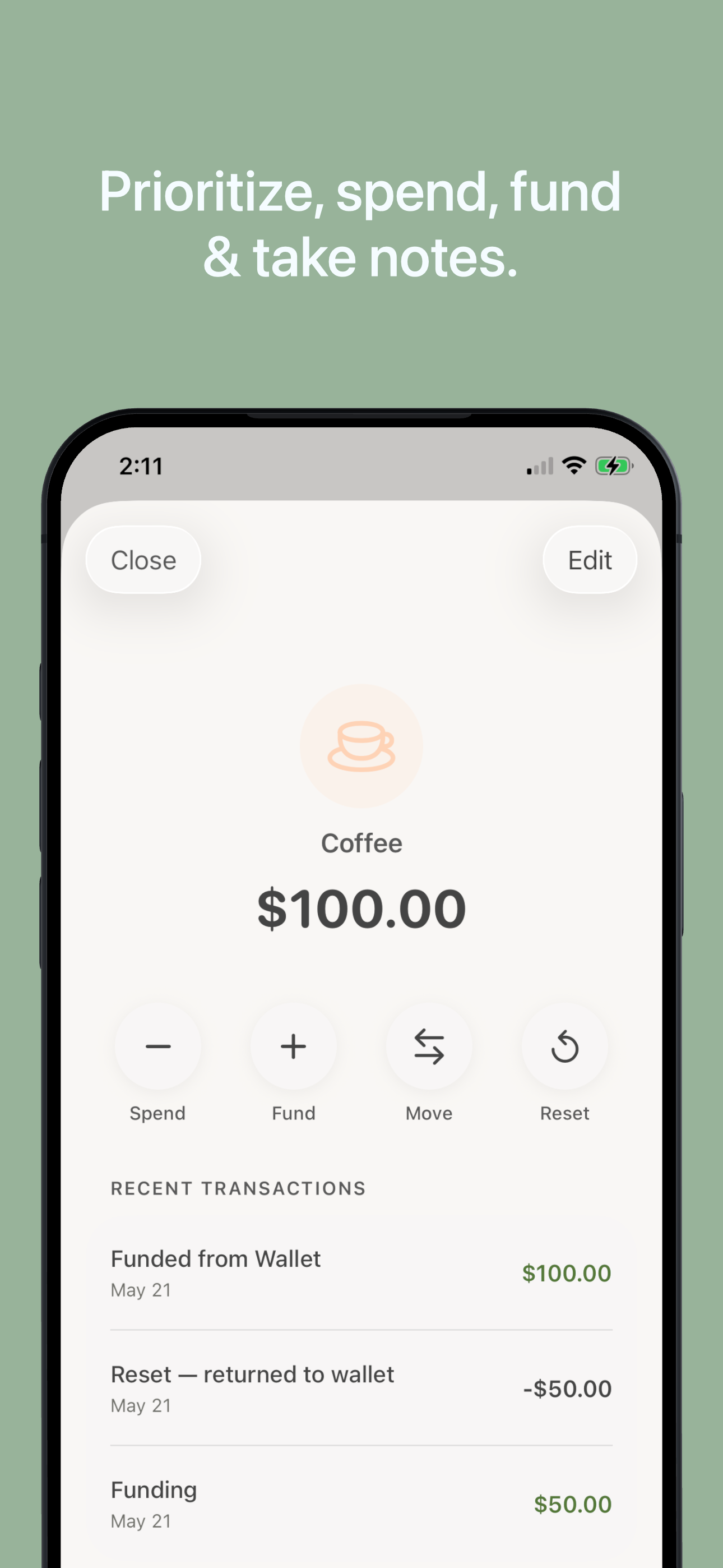
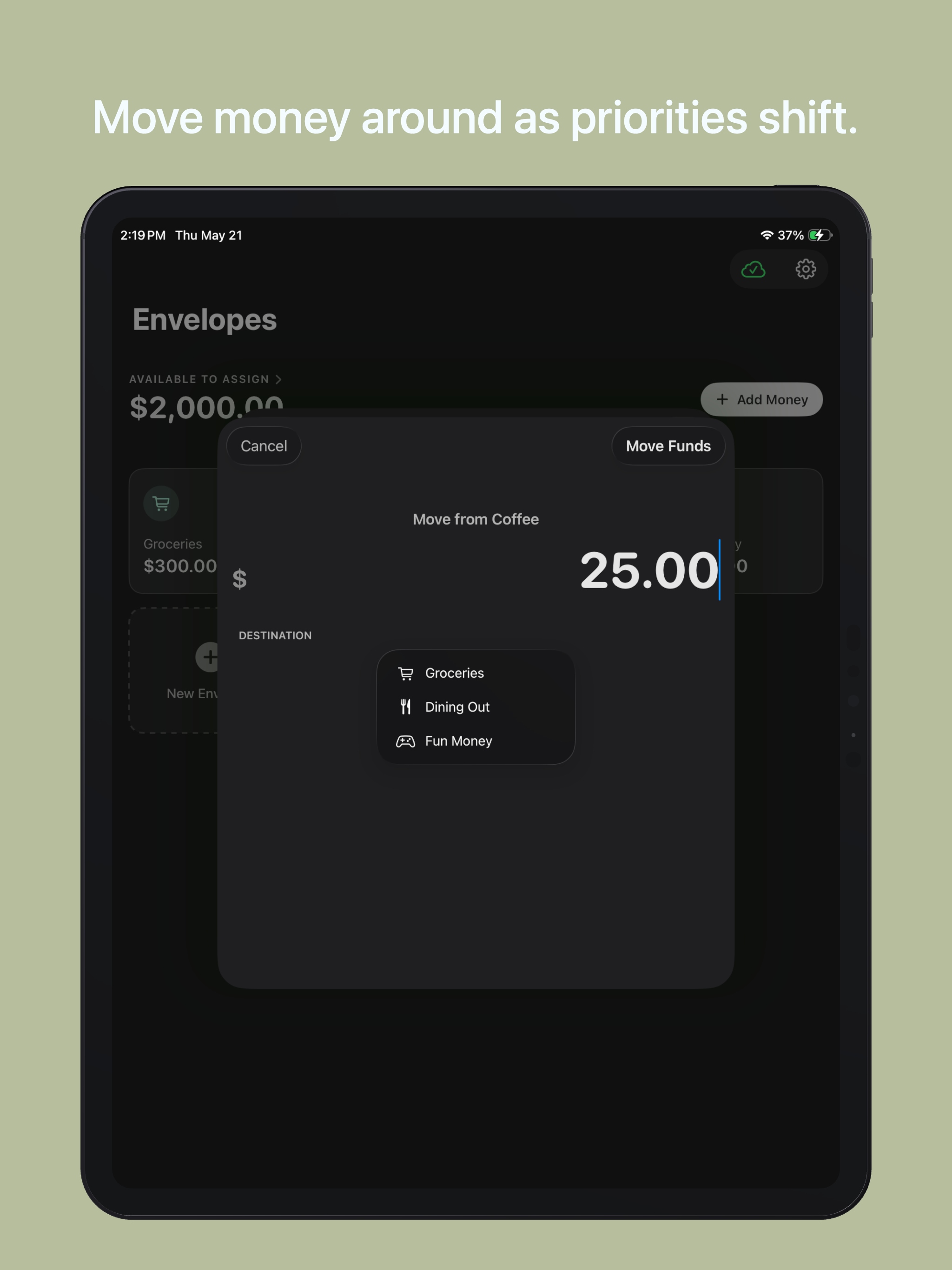
Truly Simple Envelopes is the opposite. It’s a digital version of the classic "cash stuffing" envelope method, built to be visually calm, completely manual, and intentionally friction-free. It never links to your bank accounts or automatically pulls in data. Instead, it asks you to mindfully put money into digital envelopes, and manually subtract it when you spend.
By stripping away the bloat and focusing entirely on how much money you have left for different priorities, it brings peace of mind back to your finances while helping you develop healthy and sustainable financial habits. The core app, including iCloud syncing between your devices, is entirely free. If you find it useful, a one-time, lifetime $4.99 fee unlocks unlimited envelopes.
Features
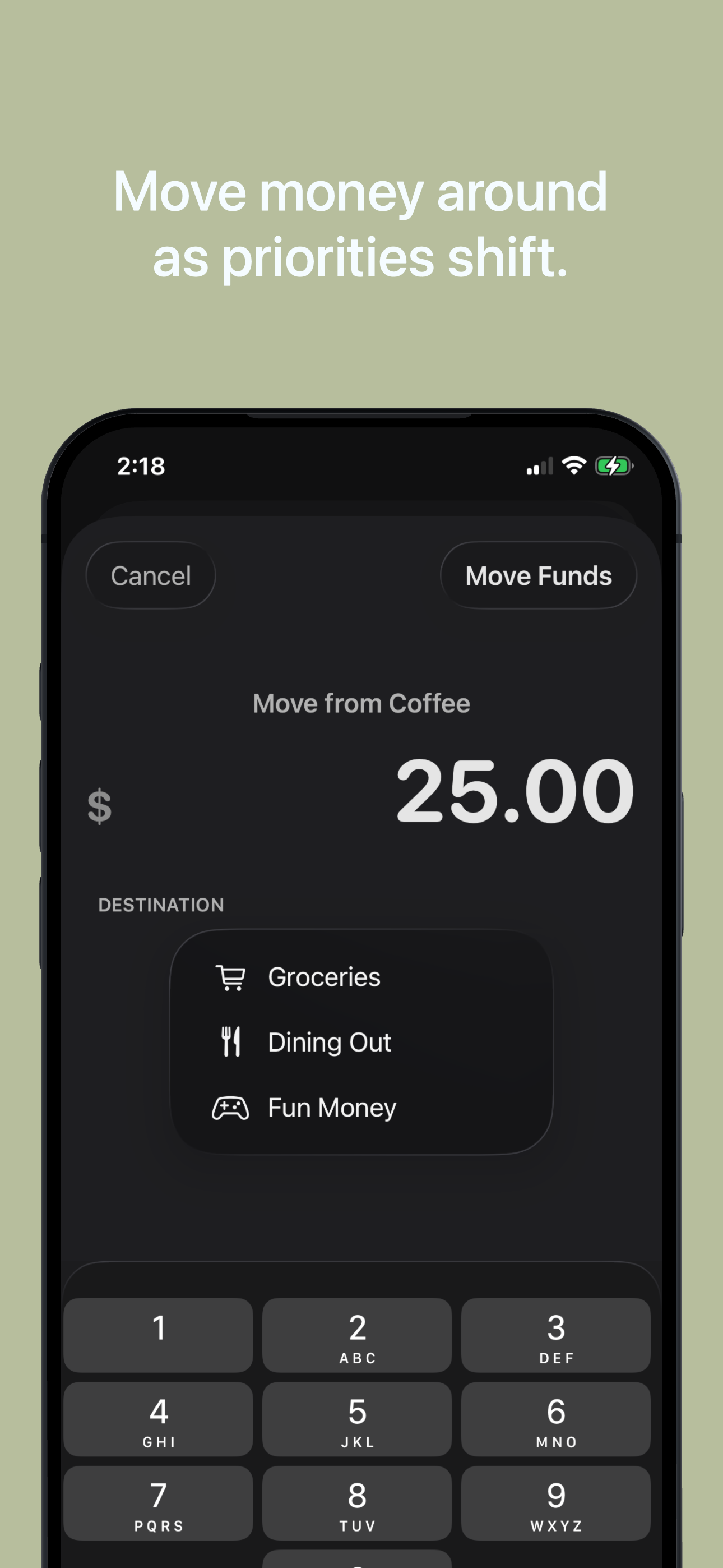
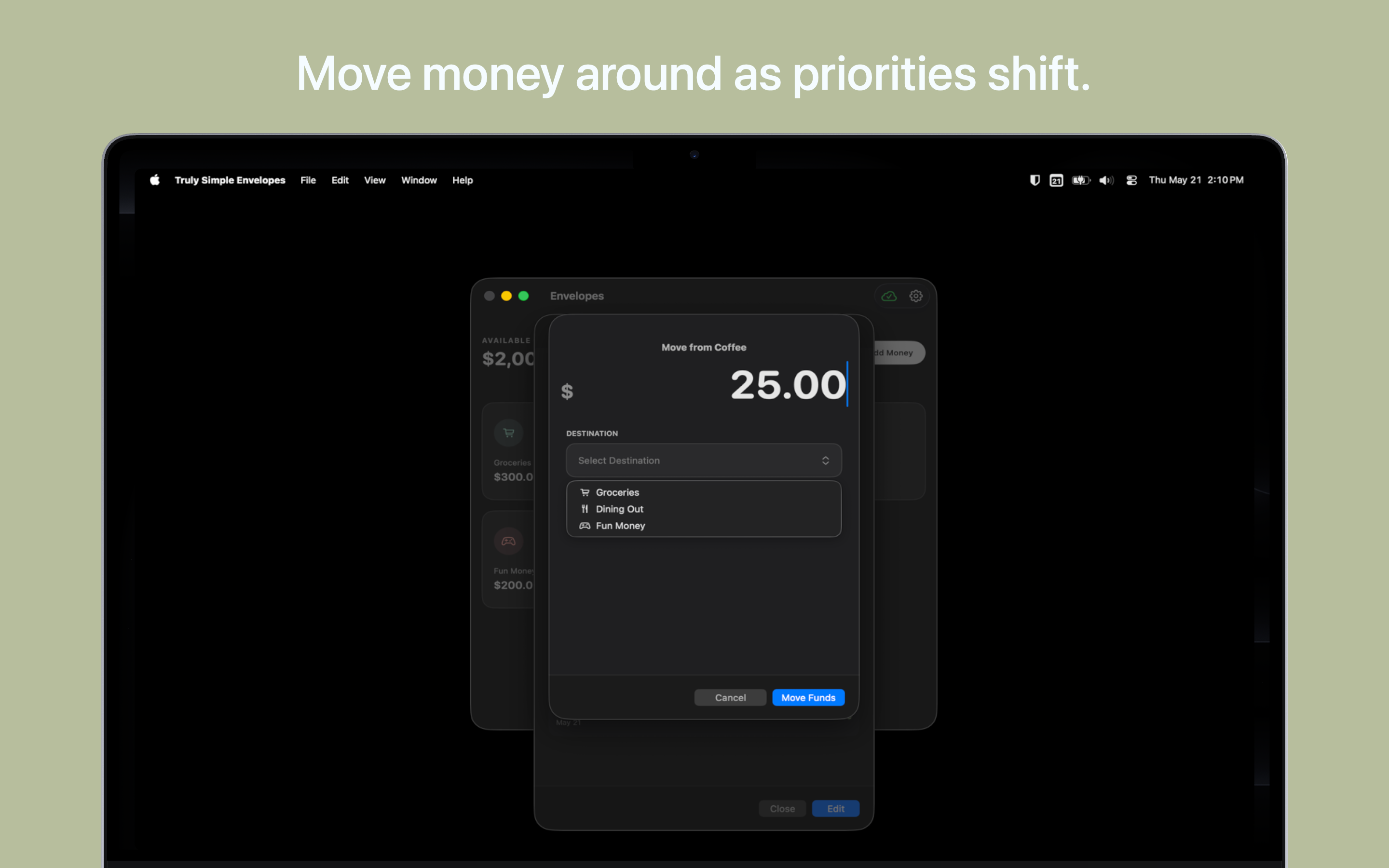
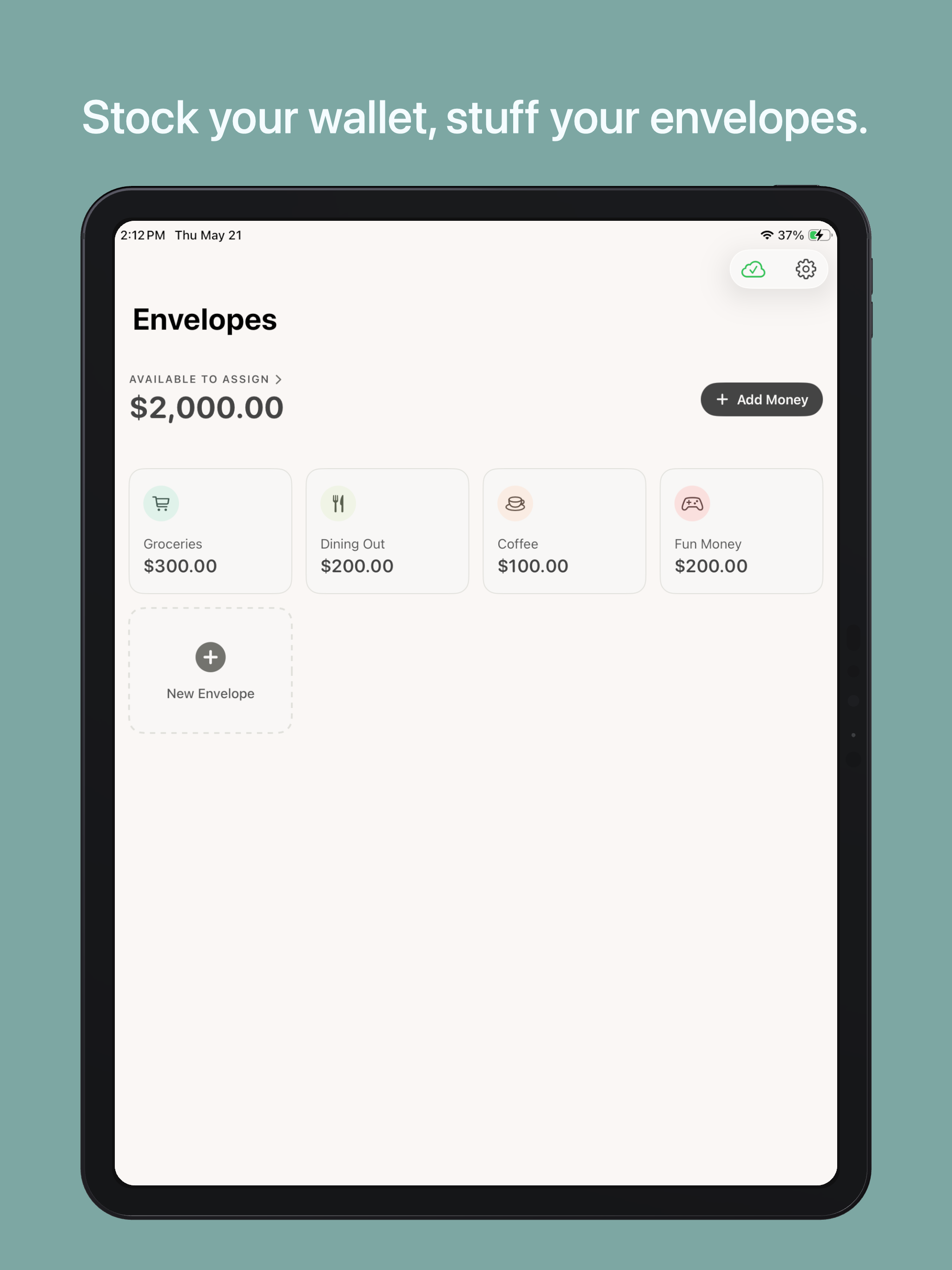
- The Main Wallet: A central holding bucket for all unallocated income. Add your paycheck here, then distribute the cash to your categories.
- Custom Envelopes: Create dedicated folders for Groceries, Rent, Vacation, etc. Customize them with tactile, earthy colors and native Apple icons.
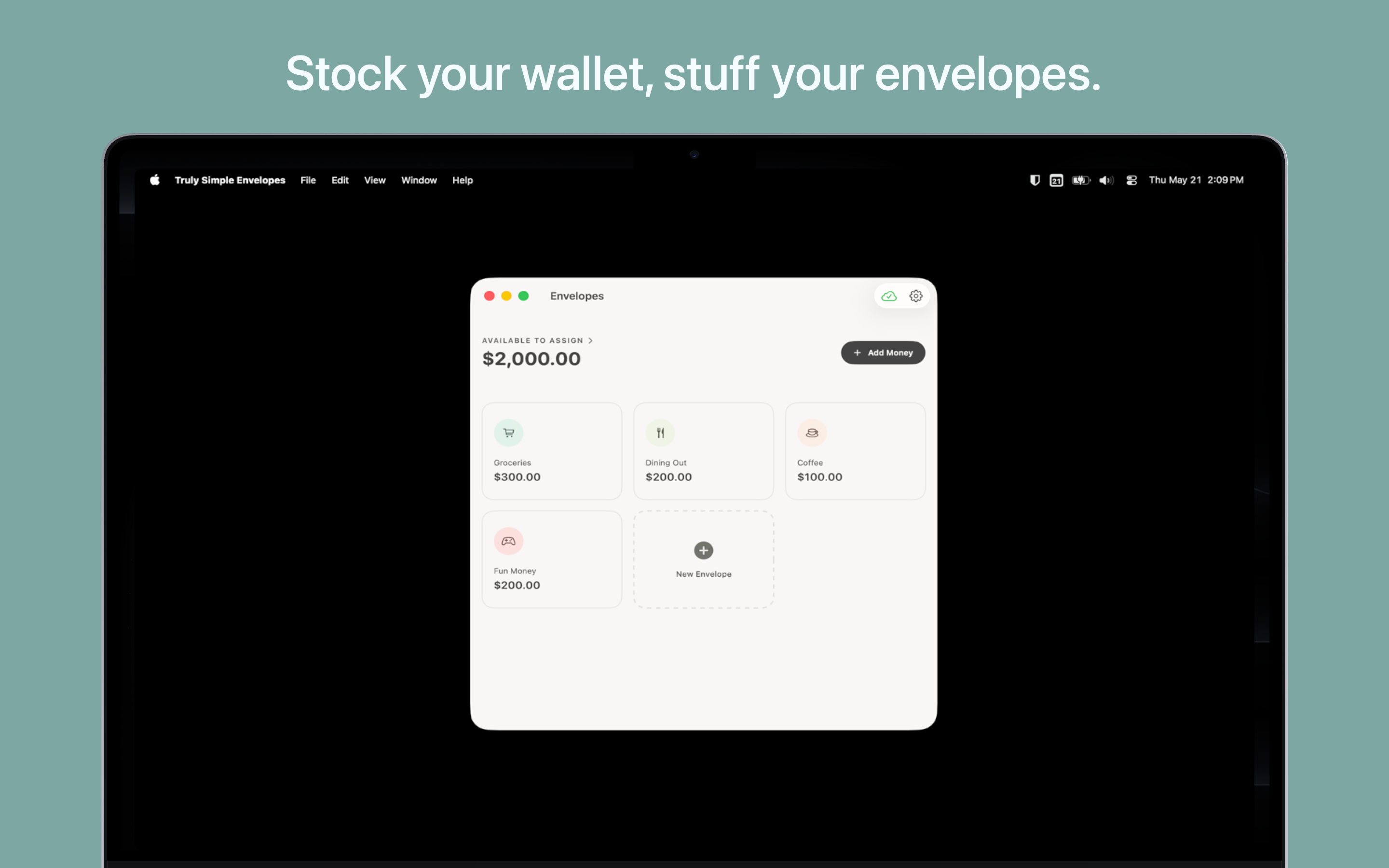
- iCloud Sync: Built natively for Apple devices. Your balances and transactions sync instantly and privately across your Mac, iPhone, and iPad.
- Accessible: Designed strictly to WCAG AA accessibility standards. Enjoy high-contrast text, large touch targets, and full support for Apple's Dynamic Type text scaling.
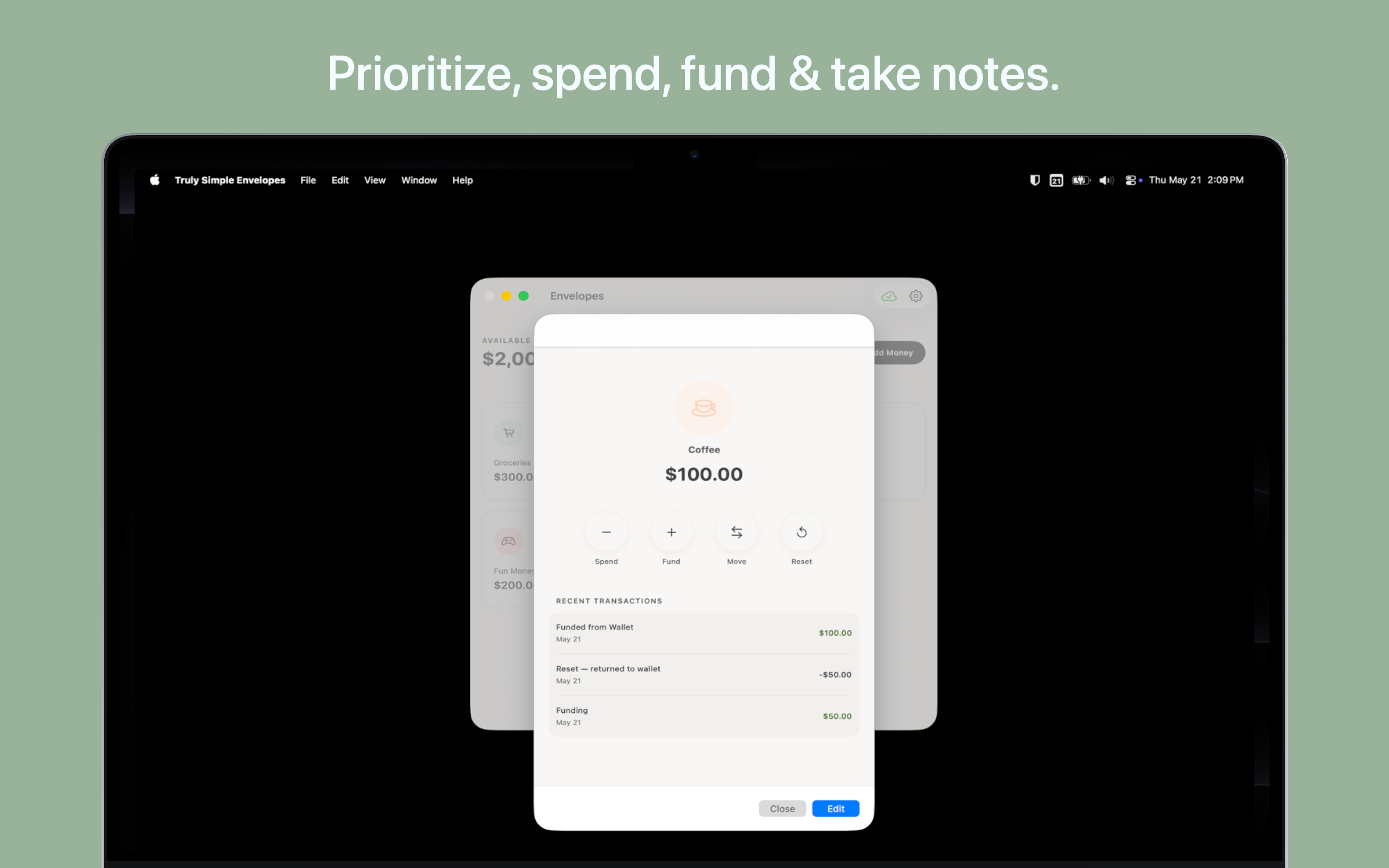
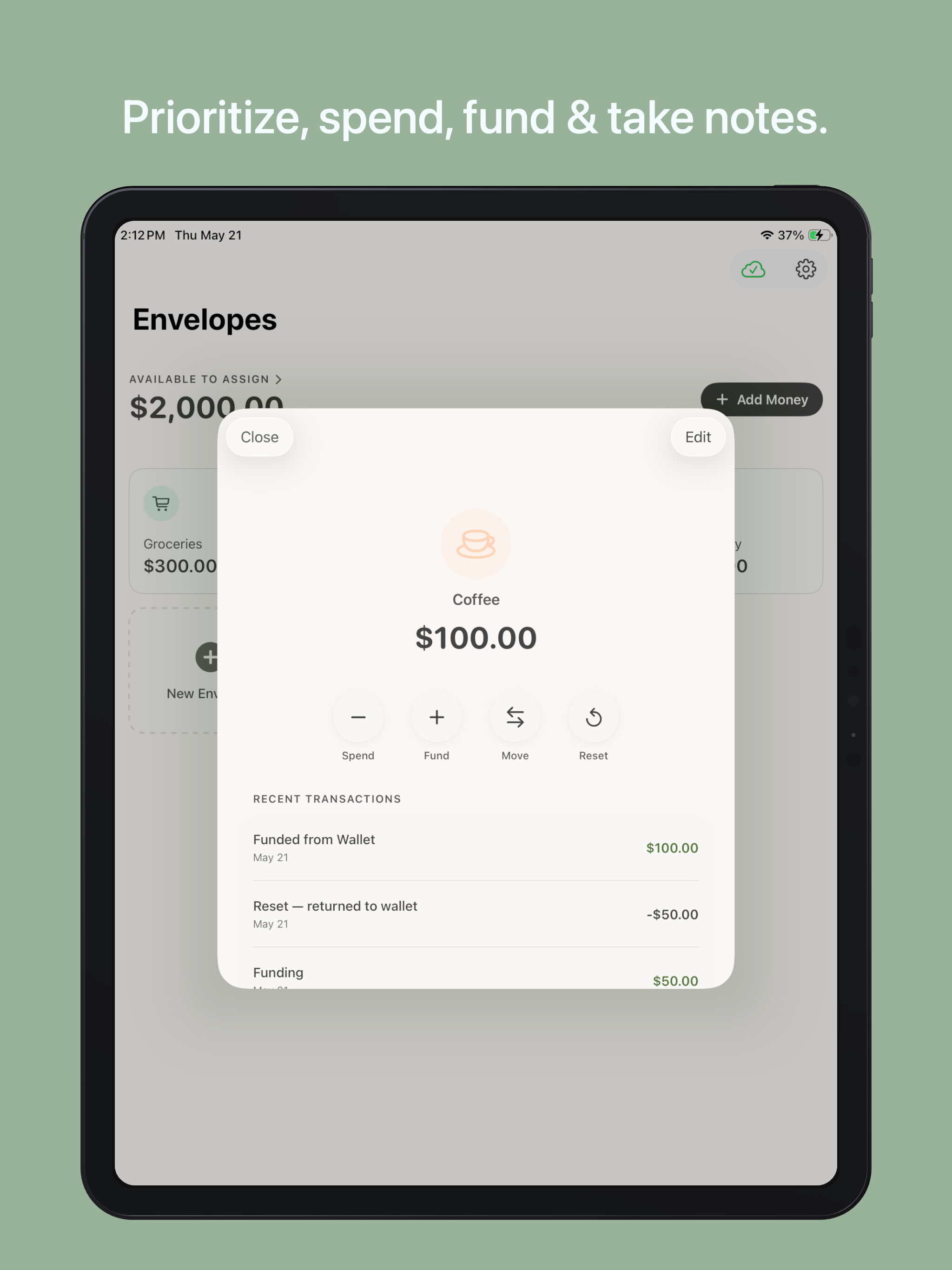
- Complete Control: Swipe to delete a mistaken transaction, use the built-in Reconcile tool to clean up duplicate sync records, or hit the "Reset App Data" button to completely wipe your slate clean at any time.
- Proudly Subscription-Free: We hate recurring billing as much as you do. Stick with the free version, or pay once and use the software forever. No ads, no trackers, no hidden fees.
Tips & More Info
- Start small: It's tempting to create an envelope for every little thing. The method works best when you start with just your 3 or 4 biggest discretionary spending categories (like Groceries, Dining Out, and Fun Money) and grow from there.
- Log at the register: Get into the habit of tallying your spending immediately. The psychology of this method relies on scarcity: seeing that your "Coffee" envelope only has $4.50 left before you walk into the café is what changes spending behavior.
- Built for you: The budgeting market is highly polarized. You have massive, complex behemoths requiring costly yearly fees, or you have physical cash-stuffing binders taking over social media. I built this app to bring the tangible simplicity of physical cash stuffing to Apple devices, without requiring you hand your bank passwords to data brokers.
Frequently Asked Questions
- Is the app free?
- Yes, the app is completely free to download and use. The free version allows you to create up to 5 custom envelopes (plus your main Wallet), which is plenty for most beginners to test the workflow. If you want to create unlimited envelopes, or just want to support indie development and tools without subscriptions, there is a single, one-time $4.99 in-app purchase. No monthly fees, ever.
- What platforms are supported?
- Currently, the app is available for iOS 17.0 or later and macOS 14.0 or later (I'll continue to make these apps as back-compatible as possible, but some of the visual elements and data structuring rely on capabilities offered by modern versions of iOS and macOS).
- What happens if my balances look different on my Mac and iPhone?
- Occasionally, poor internet connections can cause iCloud to create duplicate sync records. If this happens, open the Settings menu and tap the Reconcile Sync Data button. The app will safely merge duplicate envelopes and clean up your data behind the scenes without losing a single transaction.
- How do I report a bug or request a feature?
- Reach out via one of the options on the contact page.
Privacy Policy
The app does not collect any personal data, does not connect to any outside servers (other than your own personal iCloud for syncing), and contains zero tracking. Your financial data is (and should be) entirely your own.